
Cybersecurity can sound complicated when you are just starting out. When I first became interested in online security, I noticed that there were so many tools available that it was difficult to understand which ones were actually useful for beginners. Some tools looked powerful but required advanced knowledge, while others were easier to use but did not offer much practical value.
The good thing is that you do not need to spend a lot of money to start learning cybersecurity. There are many free cybersecurity tools that can help beginners understand networks, protect computers, manage passwords, scan for malware, and practice security skills.
In my opinion, the best way to learn cybersecurity is by using simple tools regularly instead of trying to learn everything at once. Below are some of the free tools I think beginners should know about.
1. Wireshark
Wireshark is one of the most popular network analysis tools available for free. It allows you to capture and examine network traffic moving through a computer or network.
For a beginner, Wireshark can be a great learning tool because it helps you understand what actually happens when your computer communicates with websites and other devices.
You can use it to learn about protocols, packets, IP addresses, DNS requests, and other basic networking concepts. At first, the interface may look confusing because it displays a lot of technical information. However, after spending some time learning the basics, it becomes much easier to understand.
I recommend starting with simple network captures rather than trying to analyze complicated traffic immediately.
2. Nmap
Nmap is another excellent free cybersecurity tool for beginners who want to understand networks. It is mainly used for network discovery and security auditing.
With Nmap, you can discover devices on a network and identify services that are running on them. This makes it useful for learning how networks are structured.
For beginners, I would recommend using Nmap only on your own devices or networks where you have permission to test. Practicing in a controlled environment is the safest way to learn.
One reason I like Nmap is that it teaches an important cybersecurity concept. Before you can protect a network, you need to understand what is connected to it.
3. Kali Linux
Kali Linux is a Linux distribution designed for cybersecurity testing and security research. It includes many security related tools in one operating system.
Although Kali Linux is widely used by professionals, beginners can also use it as a learning environment. It gives you the opportunity to explore different areas of cybersecurity without installing every individual tool separately.
However, I would not recommend trying every tool immediately. Start with basic Linux commands, learn how files and permissions work, and then slowly explore security utilities.
You can install Kali Linux on a virtual machine so that you can practice without changing your main computer setup.
4. ClamAV
ClamAV is a free and open source antivirus engine. It can be useful for learning about malware scanning and basic computer security.
I think beginners should understand that antivirus software is only one part of cybersecurity. It can help identify malicious files, but it cannot protect you from every possible online threat.
Using a malware scanner alongside safe browsing habits, regular updates, strong passwords, and backups creates a much better security approach.
ClamAV can also be interesting for people who want to understand how security software works in a more technical environment.
5. KeePass
Password security is one of the easiest areas where beginners can make a major improvement. KeePass is a free password manager that can store passwords securely in an encrypted database.
Instead of remembering dozens of passwords, you can use a password manager to generate and store strong passwords.
Personally, I think password management should be one of the first cybersecurity habits beginners develop. Using the same password on several websites can create a serious problem. If one website experiences a data breach, attackers may try the same password on other accounts.
A password manager makes it much easier to use unique passwords for different accounts.
6. Malwarebytes
Malwarebytes is another useful security tool that beginners can consider for malware detection and removal. Its free version can be useful for scanning a computer when you suspect unwanted software or other security problems.
What I like about tools such as Malwarebytes is that they are relatively approachable for people who do not have a technical background.
However, no security application should replace basic online safety. You should still avoid suspicious downloads, unknown email attachments, fake websites, and applications from unreliable sources.
7. Microsoft Defender
If you use Windows, Microsoft Defender is a tool you should already have access to. It provides built in protection against various types of malware and security threats.
For beginners, this is especially useful because you do not necessarily need to install several security programs just to get started.
I believe beginners sometimes make cybersecurity more complicated than it needs to be. Keeping Windows updated and allowing built in security features to work properly can provide an important basic layer of protection.
You should also make sure that security notifications are not being ignored.
8. Bitwarden
Bitwarden is another popular free password management option. It can help you store passwords and create stronger login habits.
The biggest advantage of using a password manager is convenience. When security becomes difficult to manage, people often choose shortcuts such as reusing passwords. A good password manager removes much of that problem.
I would suggest creating a strong master password and protecting your password manager account with multi factor authentication when available.
9. OpenVPN
A VPN can help create a more private connection between your device and the internet. OpenVPN is an open source VPN technology that has been widely used for secure network connections.
For beginners, learning about VPNs can be valuable because it introduces concepts such as encryption, tunneling, and network privacy.
However, it is important to understand that a VPN is not a complete cybersecurity solution. It does not automatically protect you from phishing, malware, weak passwords, or unsafe downloads.
Learning what a VPN actually does is more important than simply installing one.
10. CyberChef
CyberChef is a useful web based tool for learning about data transformation and encoding. It can perform many operations involving text, data formats, encoding, and analysis.
For someone starting cybersecurity, CyberChef can make technical concepts easier to experiment with.
You can use it in a safe learning environment to understand how different types of encoded information look and how data can be transformed.
It is particularly useful for students who enjoy learning by experimenting rather than only reading theory.
How Beginners Should Use Cybersecurity Tools
One mistake I see beginners make is downloading dozens of cybersecurity tools without actually learning how to use them. Having more tools does not automatically make someone better at cybersecurity.
I recommend choosing one tool at a time.
For example, you could start with Wireshark and learn basic networking. After that, you could move to Nmap and learn about network discovery. Then you could explore Kali Linux and gradually learn additional security concepts.
This approach makes the learning process much less overwhelming.
It is also important to practice legally. Never scan, test, or attack systems that you do not own or have permission to test. There are many safe laboratories and virtual machines available for cybersecurity practice.
Why Free Cybersecurity Tools Are Useful
Free tools are excellent for beginners because they remove the financial barrier to learning. You can start building practical skills using nothing more than a computer and an internet connection.
Another benefit is that many free cybersecurity tools have large communities. If you get stuck, you can often find documentation, tutorials, discussions, and examples created by other users.
Free tools can also help you discover which area of cybersecurity interests you most. You may enjoy network security, malware analysis, privacy, penetration testing, digital forensics, or system administration.
Once you understand your interests, you can decide whether you need more advanced tools or professional training.
Basic Cybersecurity Habits Matter Too
Tools are useful, but your daily habits are just as important.
Keep your operating system and applications updated. Use unique passwords for important accounts. Turn on multi factor authentication whenever possible. Avoid clicking suspicious links. Be careful with email attachments. Download software from trusted sources and keep regular backups of important files.
I personally believe that cybersecurity is more about consistent habits than having expensive software.
A person with a basic security setup and good habits can often avoid many common problems. On the other hand, someone with expensive security software can still become a victim if they regularly ignore suspicious messages or reuse weak passwords.
Final Thoughts
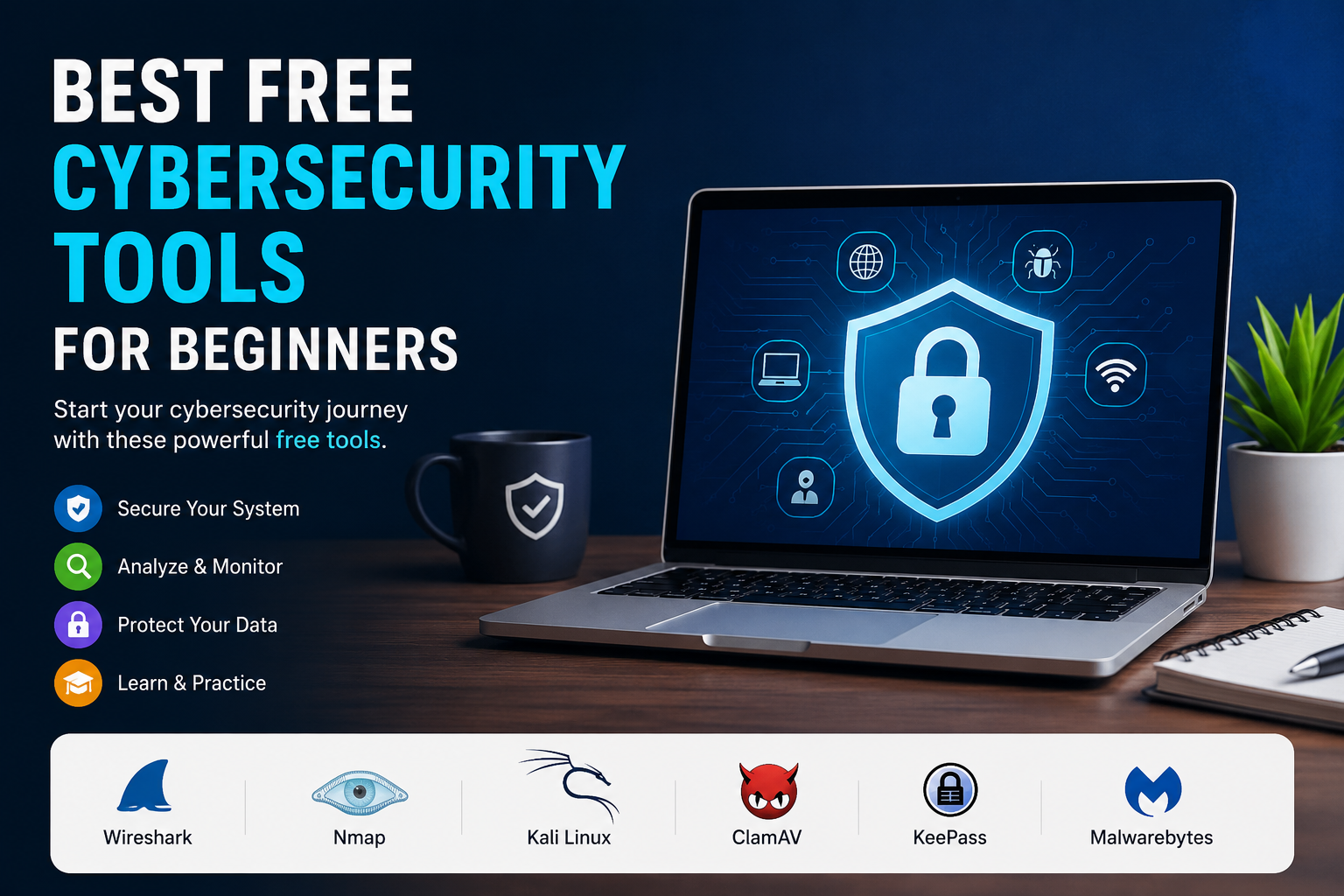
There are many free cybersecurity tools available, but beginners do not need to learn all of them at once. Tools such as Wireshark, Nmap, Kali Linux, ClamAV, KeePass, Malwarebytes, Microsoft Defender, Bitwarden, OpenVPN, and CyberChef can provide a strong starting point.
My advice is to focus on understanding rather than simply collecting tools. Learn what each tool does, why it is useful, and when it should be used.
Start with simple concepts, practice only in environments where you have permission, and gradually move toward more advanced topics. With patience and regular practice, free cybersecurity tools can give you a practical foundation and help you become much more confident about protecting your digital life.


